Why this plugin?
In practice, email is not 100% predictable: even when Contact Form 7 shows “sent”, the message can land in spam,
be blocked by SMTP/DMARC settings, or arrive late. Result: a lost lead.
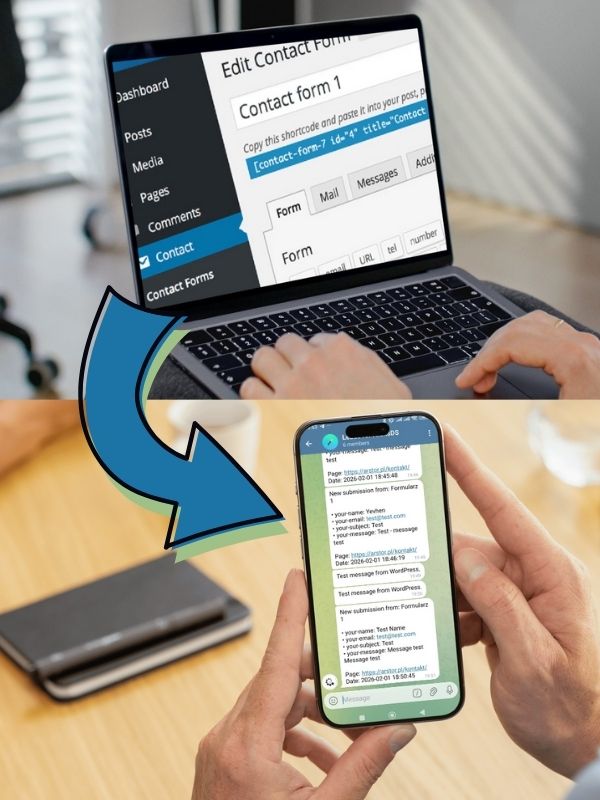
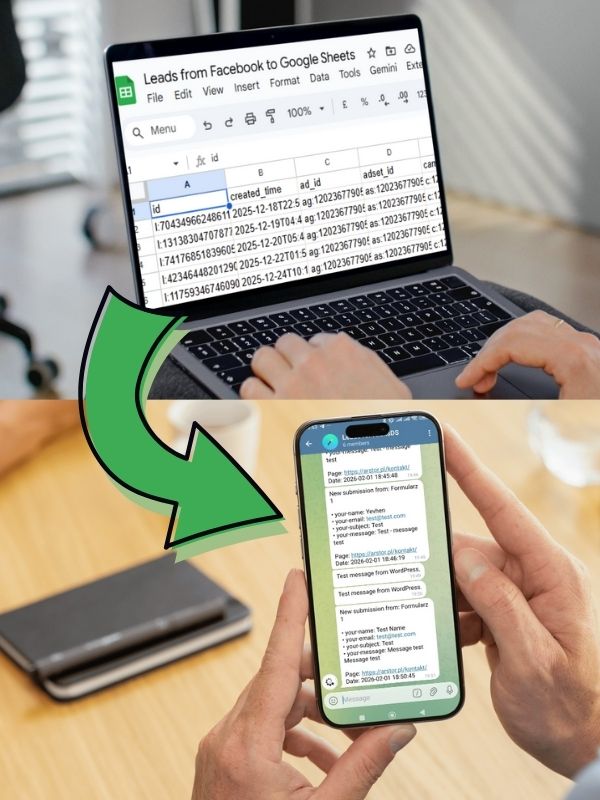
This plugin creates an additional, independent notification channel in Telegram so your sales or support team sees submissions instantly —
without refreshing the dashboard and without the risk of missing them.
Key benefits
- Email backup – reduced risk of losing leads to spam or delivery problems.
- Shared team group – one place where everyone sees new submissions.
- Faster response (SLA) – notifications arrive right after a successful submission.
- Clean routing – different forms → different chats or topics (sales / support / recruitment).
- Data control – send only selected fields (Allowed/Excluded) and your own message template.
- Light and predictable – no heavy CRMs and no unnecessary integrations.
Features
- Success-only: triggers via
wpcf7_mail_sent (no “before_send_mail” in the WordPress.org edition). - Global settings + per-form rules: Form ID → Chat ID → (optional) Thread ID → template → fields.
- Templates & placeholders:
{field-name}, {form_id}, {form_title}, {page_url},
{date}, {time}, {all_fields}. - Formatting: Plain / HTML / MarkdownV2 (placeholder values are safely escaped).
- Logs (last 100): errors always; successes only when Debug Logs are enabled.
- Admin test tool: send a test message from wp-admin.
- No telemetry: no tracking and no external calls except the Telegram Bot API.
What this plugin does NOT do (to avoid confusion)
- Sends text (Telegram
sendMessage) – no files/attachments. - Does not replace email – it adds a backup channel.
- Not a CRM and does not build a lead database in WordPress (goal: fast notifications and reliability).
Setup (step by step)
- Install and activate Contact Form 7.
- Install and activate this plugin.
- Go to: WordPress → Settings → AroksDS Submission Alerts for Contact Form 7 to Telegram
- Set your Bot Token and Default Chat ID.
- (Optional) set Message Thread ID for Telegram forum topics.
- Configure your template and Allowed/Excluded fields.
- Open the Tools tab → send a test.
Privacy and external service
The plugin connects only to the Telegram Bot API. Data sent: chat_id, message text (from your template and selected fields),
optionally parse_mode and message_thread_id. The bot token is never stored in logs.
You can limit data via Allowed/Excluded and by editing your template.