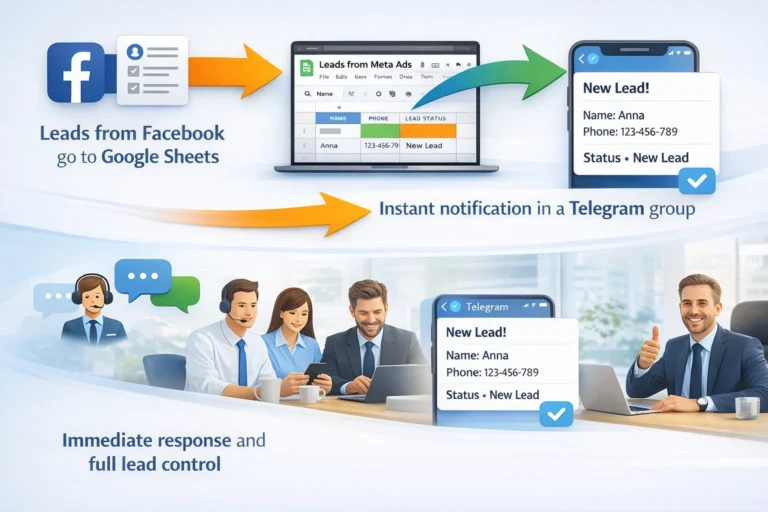

TikTok Lead Ads to Google Sheets and Telegram integration replaced “checking the spreadsheet” with instant team alerts: when a new lead lands in Sheets, it immediately shows up in Telegram.
Context & challenge
Leads from TikTok Lead Ads were reliably saved into Google Sheets. The issue wasn’t advertising performance—it was operations: managers didn’t open the sheet consistently, response times slipped, and some leads got lost in the row stream.
Key pains
- delayed follow-up because leads were seen late,
- manual “go check the sheet” routines,
- limited real-time visibility for the owner/team lead,
- data noise (too many columns, formats, occasional duplicates).
Solution: Google Sheets → Telegram (Aroks Digital Kits)
We implemented a lightweight workflow: when a new row appears in Google Sheets, a script sends a short, readable message to a Telegram group (or topic). No Ads Manager, no constant sheet monitoring.
MVP fields (TikTok)
- date,
- first/last name,
- phone number.
How it works (without heavy integrations)
- connect the script to the existing spreadsheet,
- choose the tab and columns to send,
- set a message template and enable a time trigger that detects new rows and posts to Telegram.
Business impact
- faster contact: the team sees new leads immediately,
- one channel for sales/HR/ops,
- better discipline: easier to enforce response SLAs,
- flexible formatting: adjust columns and message layout without rebuilding the process.
Security
Bot token and chat ID are stored in Script Properties (not in the sheet and not hardcoded). Includes test send, a cursor to avoid re-sending history, and clear error messages.
Want the same workflow? Send your spreadsheet link, tab name, and required columns—we’ll recommend the best setup or tailor it to your process.