Simple plugin AroksDS Submission Alerts for Contact Form 7 to Telegram
0,00 €
✅ Free on WordPress.org ⭐⭐⭐⭐⭐
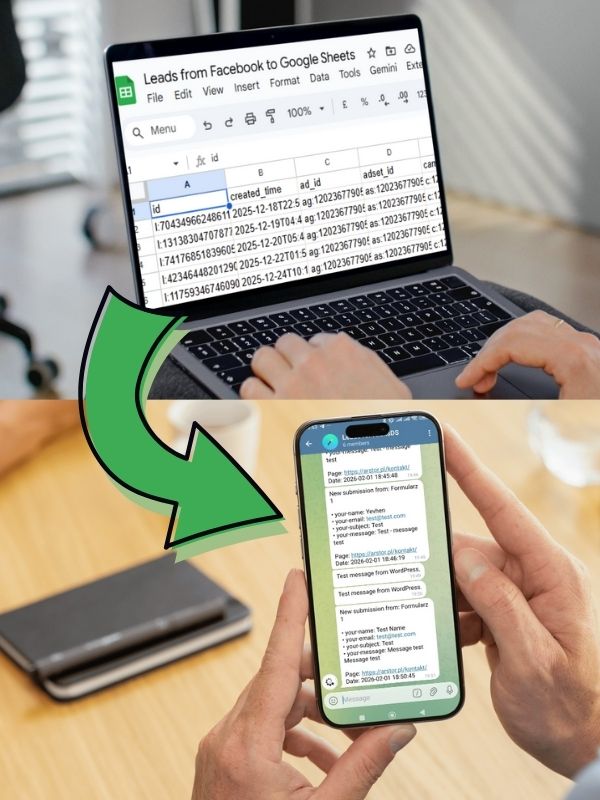
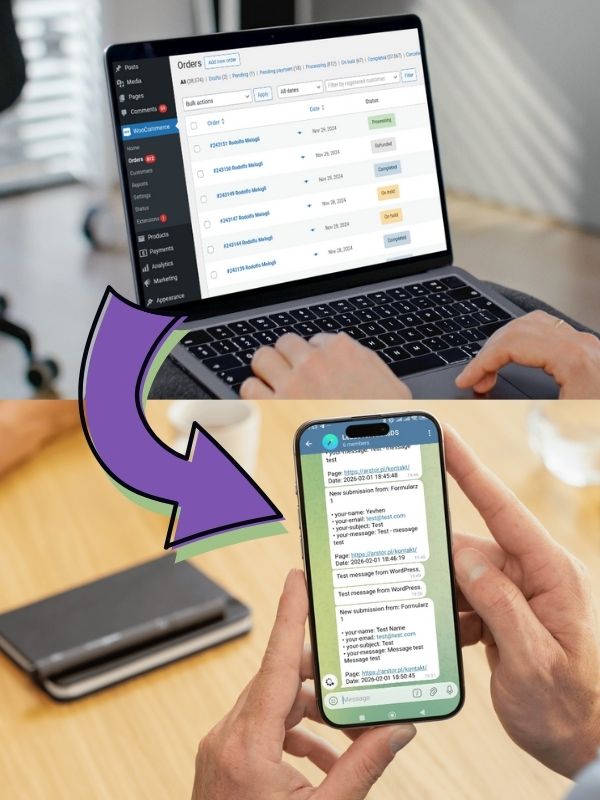
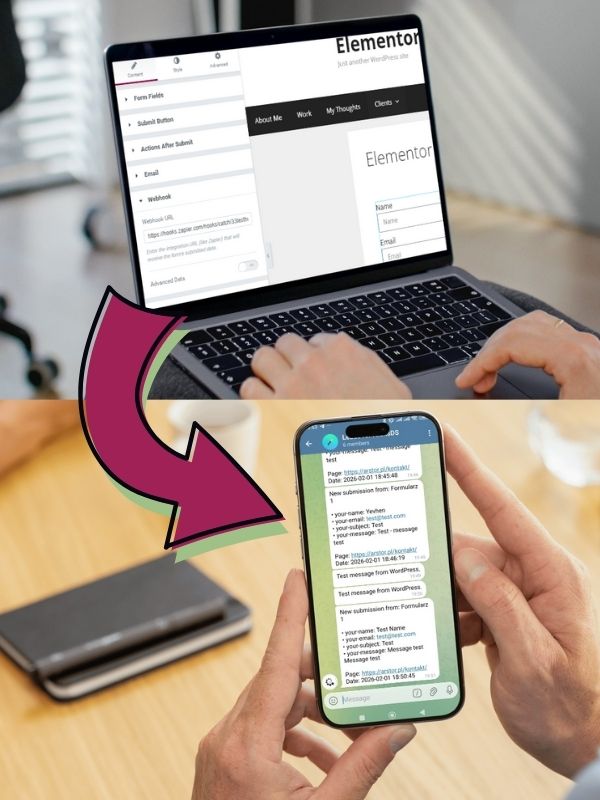
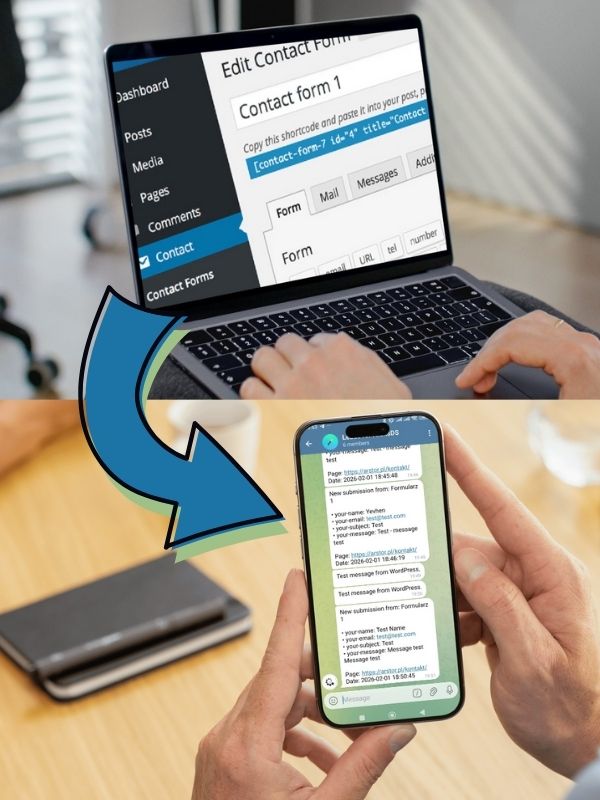
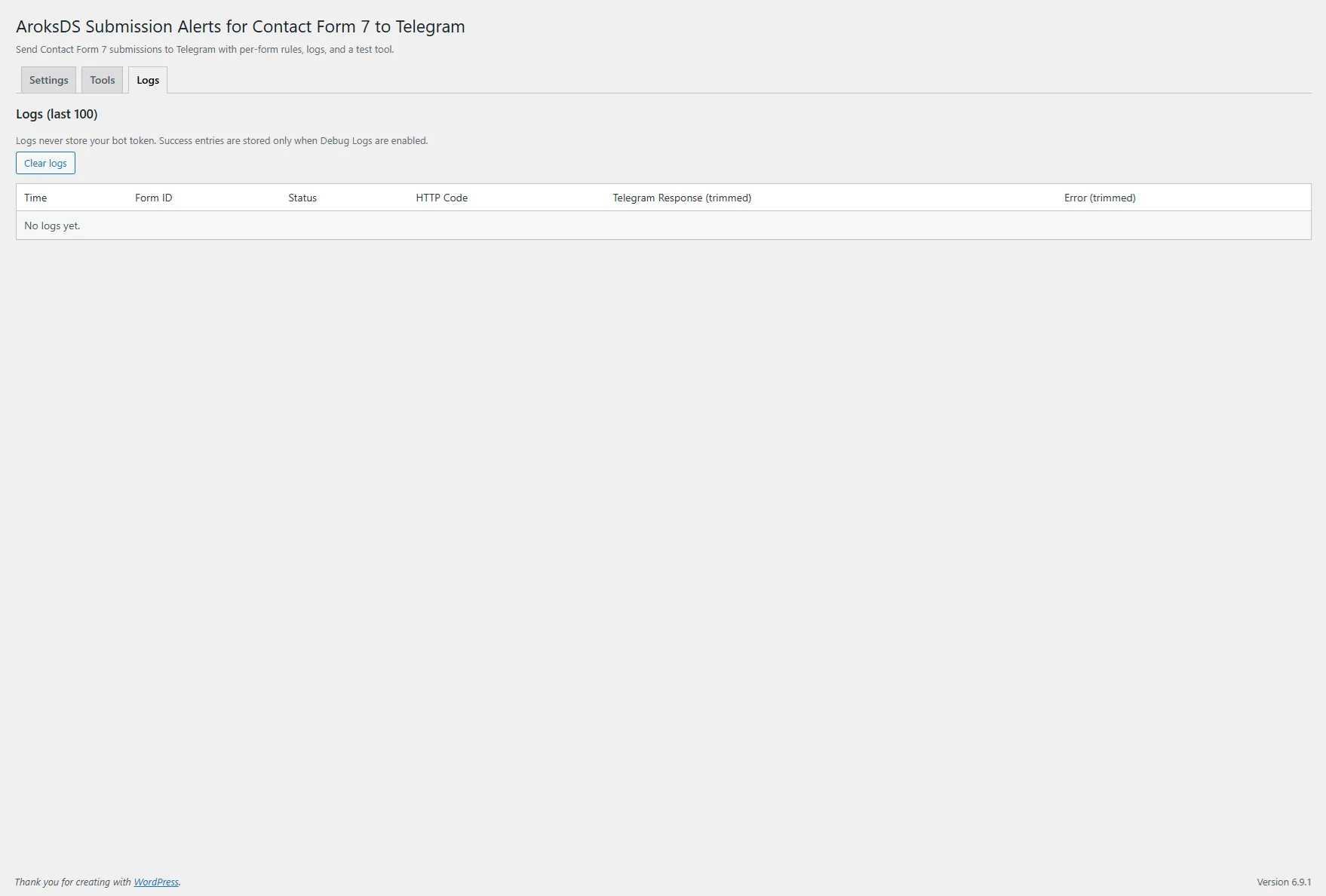
Simple plugin AroksDS Submission Alerts for Contact Form 7 to Telegram creates a fast, independent lead notification channel. When email lands in spam, is delayed, or never arrives despite CF7 showing “sent”, your team still gets the submission instantly in Telegram (group/private/forum topic). Per-form rules, templates, logs, and an admin test tool — no subscription.
✅ Free on WordPress.org ⭐⭐⭐⭐⭐
In real life, email is not 100% predictable: even when Contact Form 7 shows “sent”, messages can hit spam, get blocked by SMTP/DMARC settings, or arrive late. The result: a lost lead.
This plugin fixes that in a simple way: it adds an extra, independent Telegram notification channel (group/private/forum topic), so sales or support sees submissions immediately — no inbox checks, no dashboard refreshing, no missed requests.
Key benefits
- Easy installation and setup (only 5 minutes): no special skills or coding required — any WordPress site owner can do it.
- Fixes the “email sent but never received” issue: sometimes the site sends the email successfully, but it doesn’t reach your inbox (spam/filters/delays). The plugin also sends a copy to Telegram so you don’t miss leads.
- Email backup: lower risk of losing leads due to spam or delivery issues.
- Shared manager group: one place where everyone sees new submissions.
- Faster response (SLA): alerts arrive instantly while the user is still “hot”.
- Clean triage: different forms → different chats or topics (sales/support/recruitment).
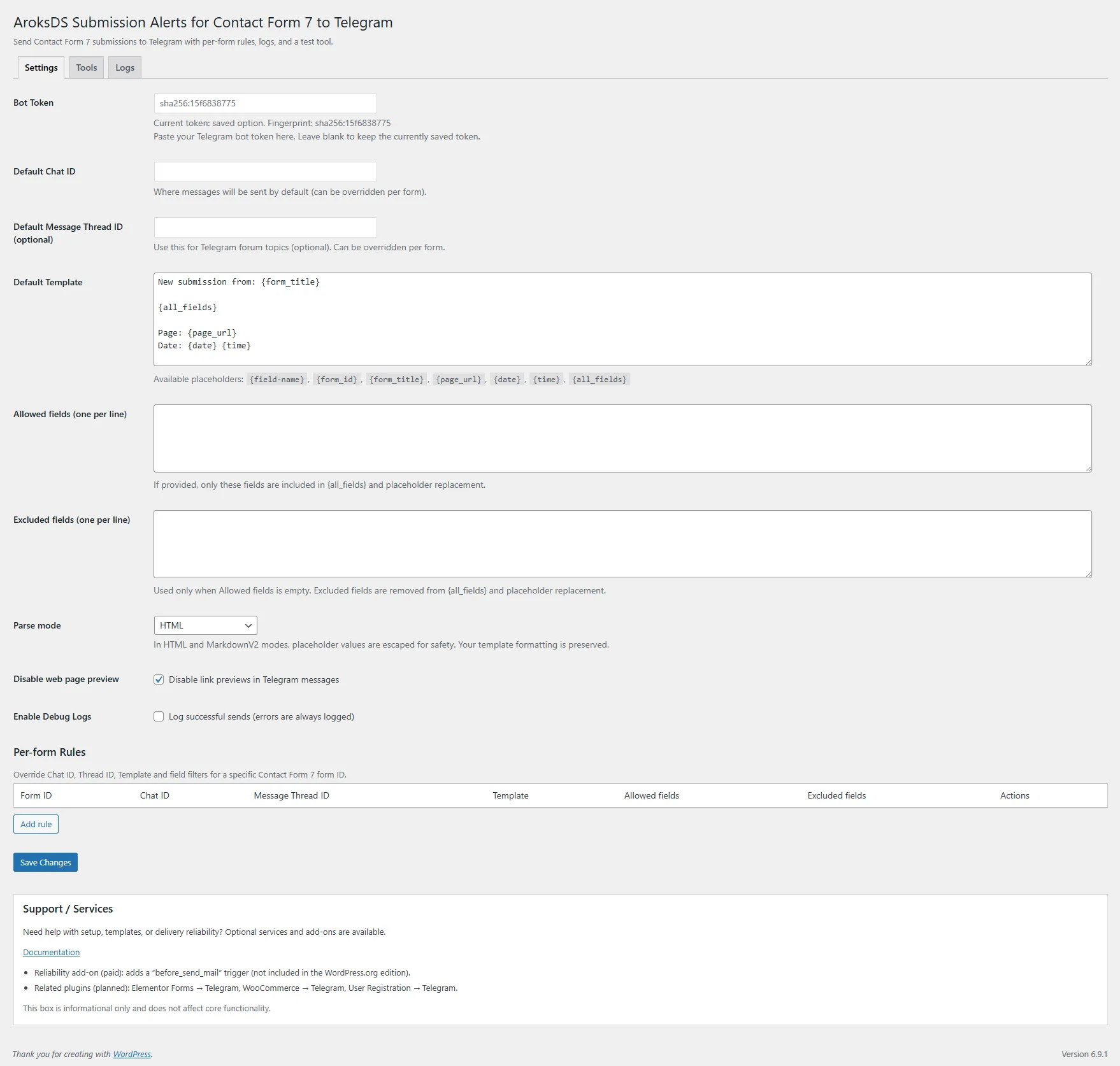
- Full data control: send only selected fields (Allowed/Excluded) with your own message template.
- Light and predictable: no heavy CRM, no unnecessary integrations.
What this plugin does not do
- Sends text messages (Telegram
sendMessage) — no files/attachments. - Does not replace email — it adds a backup channel.
- Not a CRM and does not build a lead database in WordPress (goal: fast alerts and reliability).
Setup (quick)
- Install and activate Contact Form 7.
- Install and activate this plugin.
- WordPress → Settings → AroksDS Submission Alerts for Contact Form 7 to Telegram
- Paste your Bot Token and Default Chat ID.
- (Optional) set Message Thread ID for forum topics.
- Configure the template and Allowed/Excluded fields.
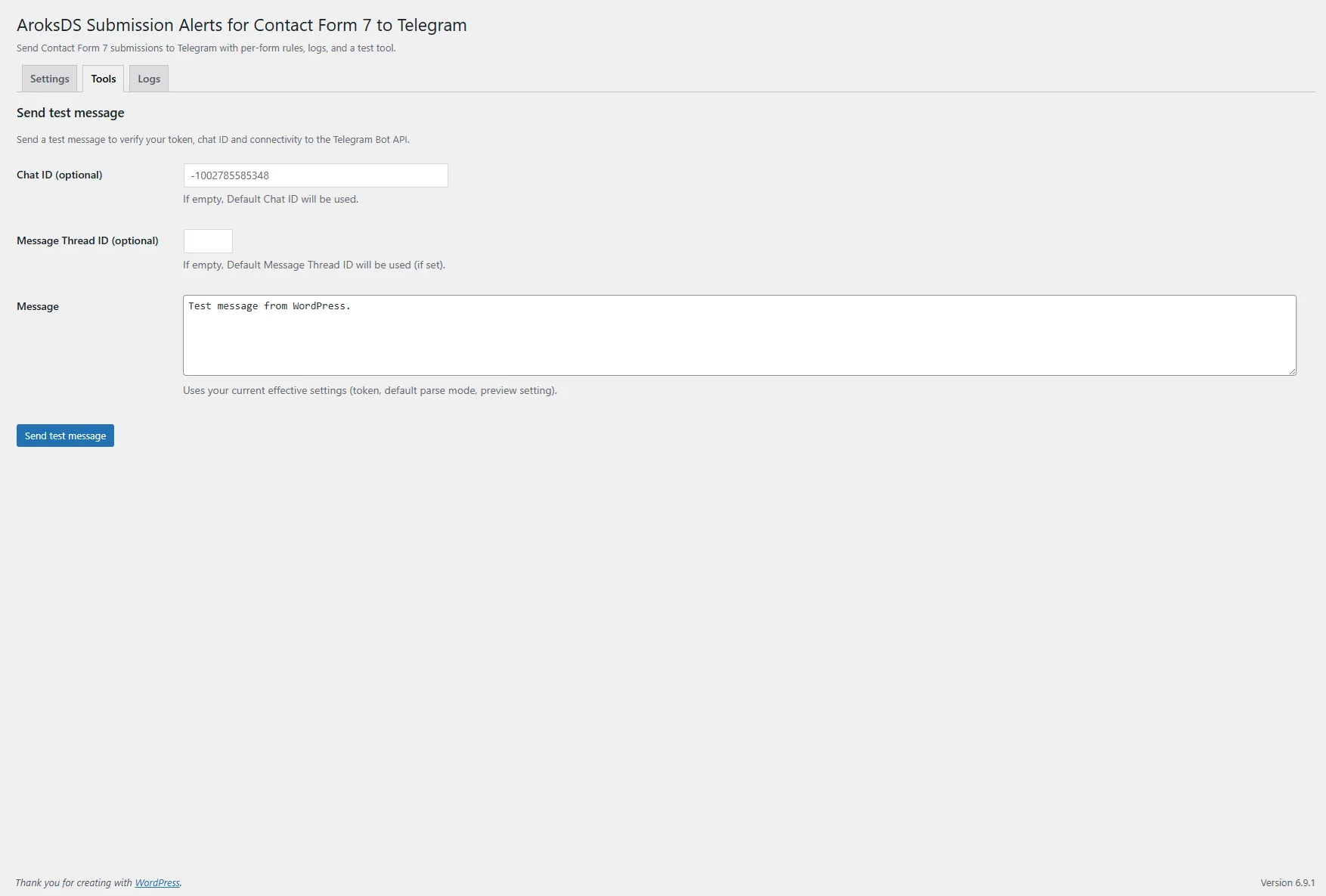
- Tools tab → send a test message.
WordPress.org + updates
We publish a public version on WordPress.org, which means:
- clear standards, compatibility, and quality review,
- ability to download and verify the “base” version,
- fast updates and changelog in one place.
On our store you get convenient access to the current version and support:
- purchase via cart,
- minimal registration (only what’s needed to download the latest version),
- access to files in your account after purchase.
Support & services (optional, paid)
If you want, we can deliver this “done-for-you”:
- token/chat ID setup + testing,
- templates tailored to your forms (sales/recruitment/support),
- field mapping (Allowed/Excluded) and clean message formatting,
- routing: different forms → different chats/topics,
- TG/CF7 error diagnostics and reliability improvements,
- custom changes for specific needs (format, extra metadata, admin UI tweaks).
Privacy and external service
The plugin connects only to the Telegram Bot API. Data sent: chat_id, message text (template + selected fields), optional parse_mode and message_thread_id. The bot token is not stored in logs. Limit data via Allowed/Excluded and by editing the template.